Why Scan Panoramic Film
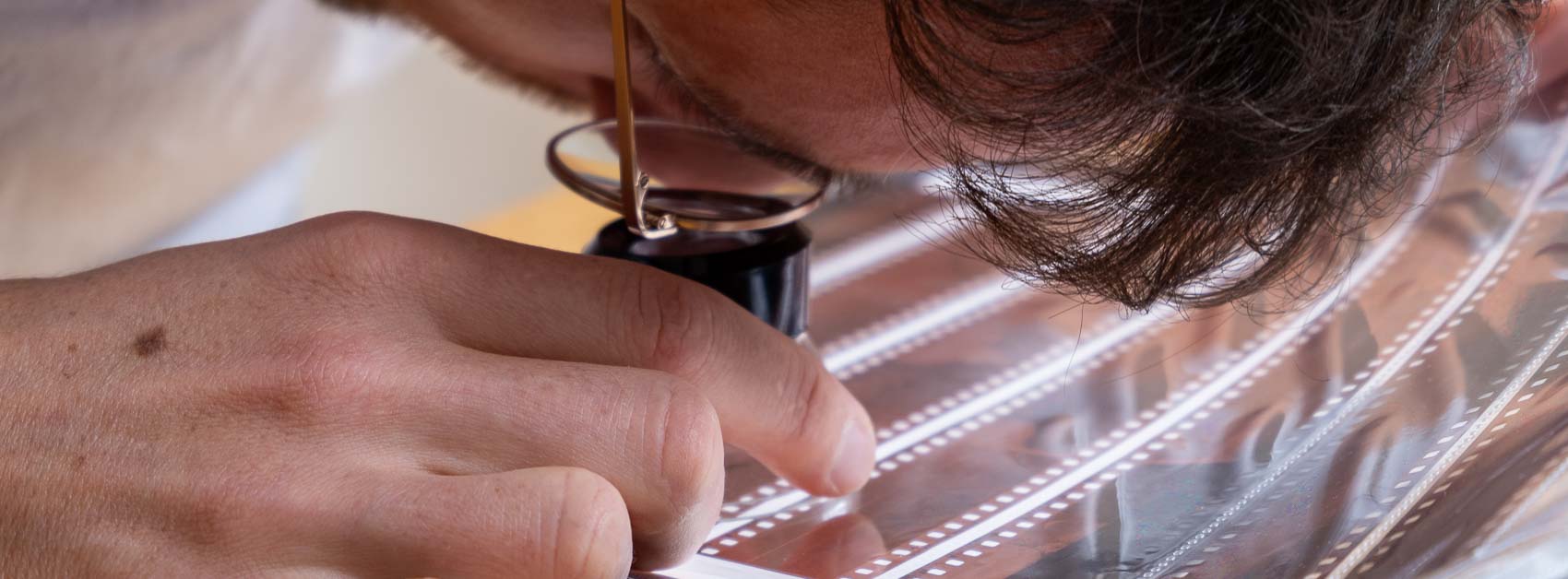
There is a special kind of satisfaction in watching a negative become a positive. In the darkroom, that moment feels almost magical, but it also comes with time, cost, and a fair amount of effort. Scanning panoramic film gives you a similar reveal on a screen, often with far more flexibility and at a much lower price.
For me, home scanning is a practical way to keep control over the process. Not every roll I shoot will end up being print worthy, so it makes sense to digitise 35mm negatives myself before deciding whether a professional scan is worth the extra cost. Most modern cameras are more than capable of producing files large enough for serious printing.
What makes the process rewarding is not just the convenience, but the pace of it. You see the frame appear slowly, line by line, and that transformation gives the image a second life. A long forgotten moment starts to feel tangible again.
Handling Negatives After the Lab
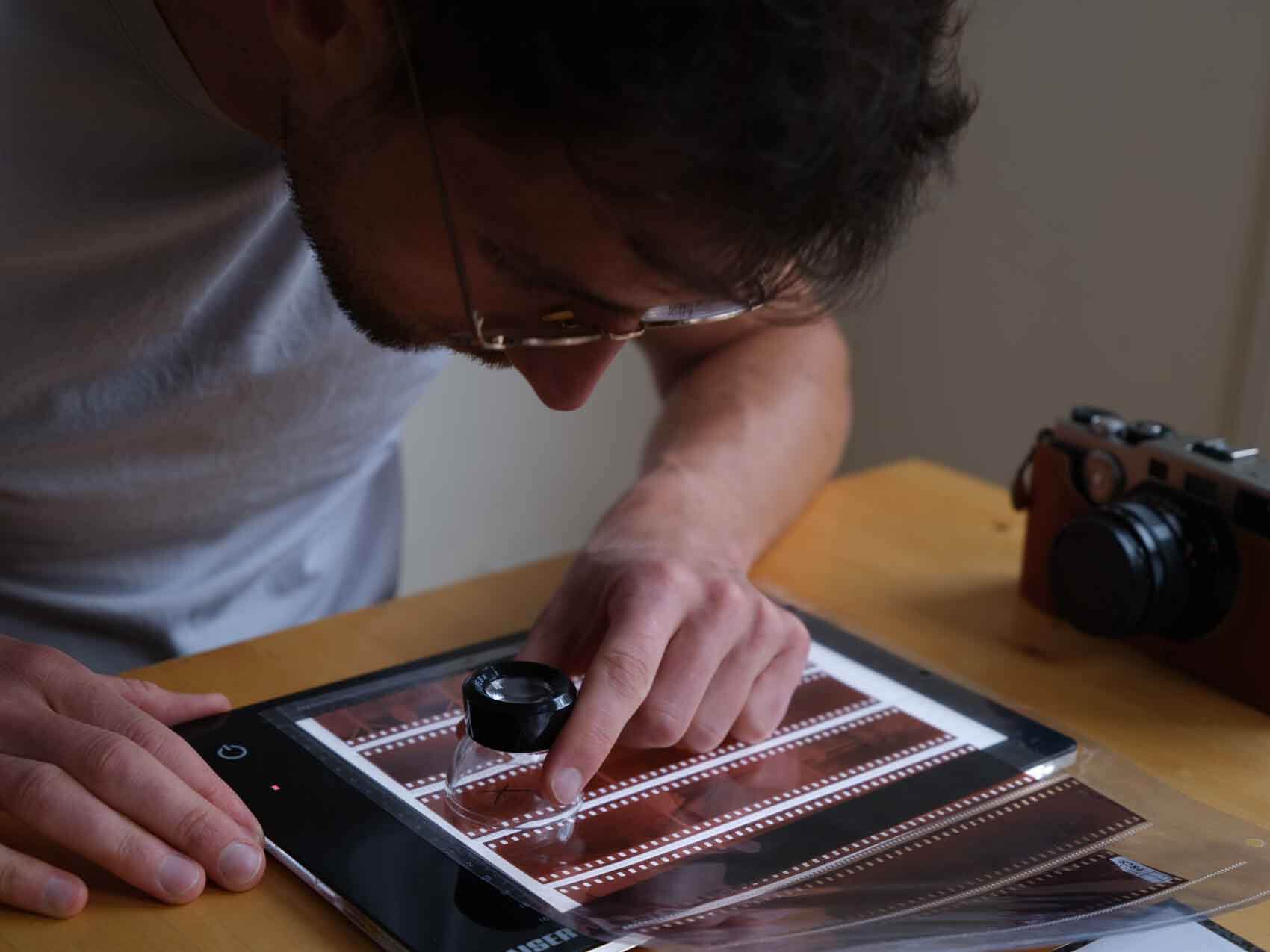
Once the film comes back from the lab, inspect it carefully. Even good labs can make mistakes, and scratches, rinse marks, or poor handling sometimes only become obvious once you look at the negatives properly. I once received a scratched roll after paying for professional development, so I no longer assume everything comes back flawless.
If something is wrong, it is worth asking whether the lab can rewash, rescan, or retouch the images. Scratches cannot be repaired, but residue or processing marks sometimes can be improved. It also helps to confirm instructions in writing, especially if you have unusual negatives or panoramic frames that must not be cut.
Film handling matters too. Hold negatives by the edges, use gloves when needed, and sleeve them only after scanning. The emulsion is still delicate, and careless handling can damage the surface and shorten the life of the film.
Essential Scanning Gear
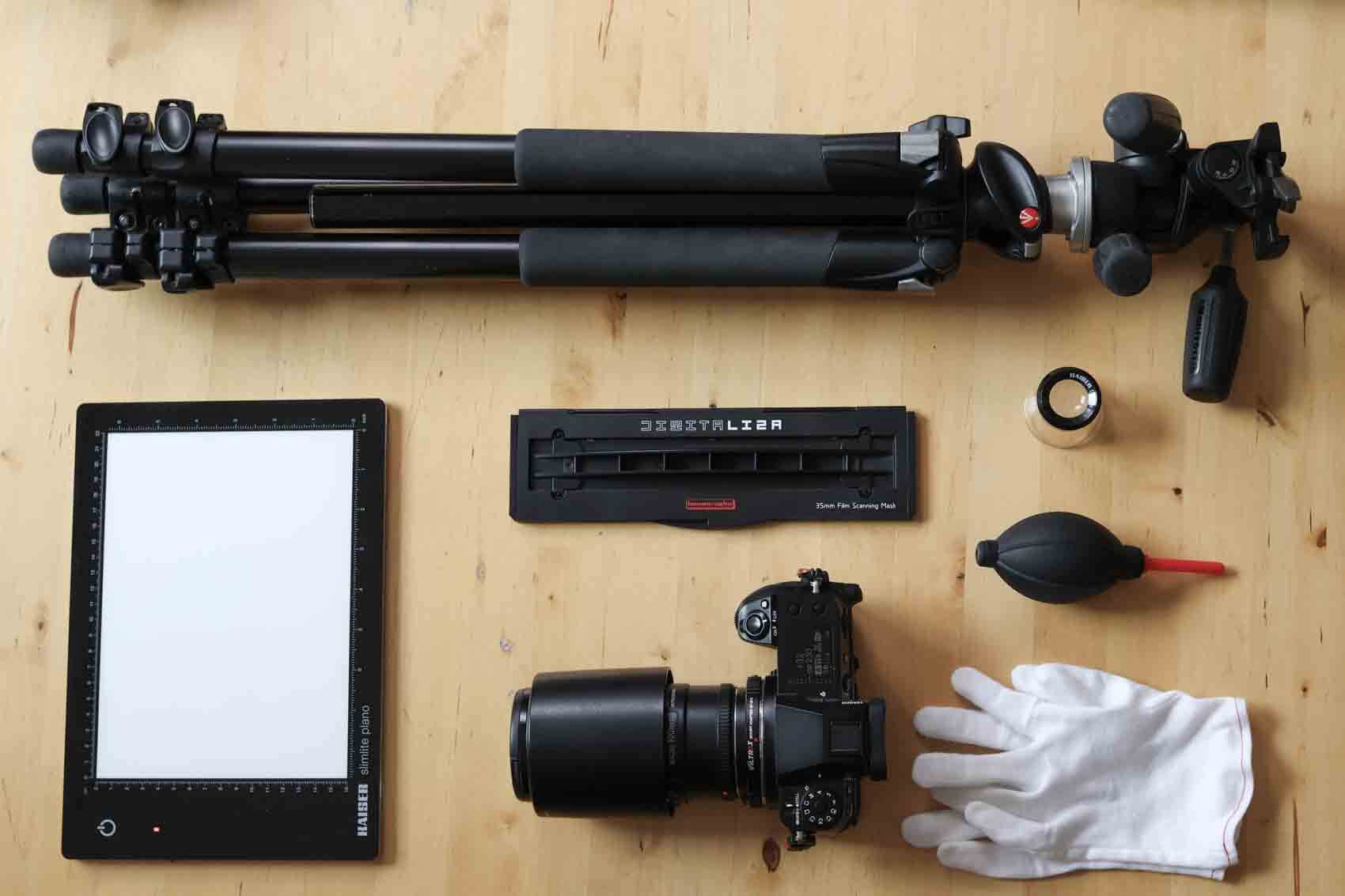
When scanning 35mm film with a digital camera, a few key tools make the whole process much easier:
Digital camera with macro lens - A macro lens lets you focus close enough to capture sharp, detailed scans.
Lightbox (CRI, even lighting) - Choose a light source with a CRI above 90 for more accurate colour reproduction.
Film holder options (commercial vs DIY) -There are many film holders available, and most will do the job well enough. Some are simply better than others. The holder lifts the film away from the lightbox, which helps prevent Newton rings and keeps the film flatter. I personally use the Lomography DigitaLIZA 135 Film Scanning Mask, and a good mask is especially useful for reducing curvature in longer panoramic frames.
Tripod or camera stand for stability - This keeps the camera steady and maintains a consistent distance between the lens and the film.
Accessories - Gloves, a microfiber cloth, and an air blower help keep dust under control and reduce the amount of retouching needed later.
Preparing for the Scan: Cleaning & Setup
Before scanning, clean both the negatives and the workspace. Dust is often invisible until it appears in a scan, where every speck suddenly becomes obvious. A blower or anti static brush can help remove loose particles, though the brush should be used carefully so you do not damage the emulsion layer.
The lightbox should be cleaned too. If dust is left on the surface, it will show up in every frame and create more retouching work later. It may feel like a small detail, but it saves a great deal of time once you start cleaning up the final files.
Flatness is another important part of the setup. If the film bends and touches the surface below it, you can get Newton rings, which are distracting interference patterns caused by contact between layers. Keeping the negative elevated and properly held in the frame avoids that problem.
Scanning workflow
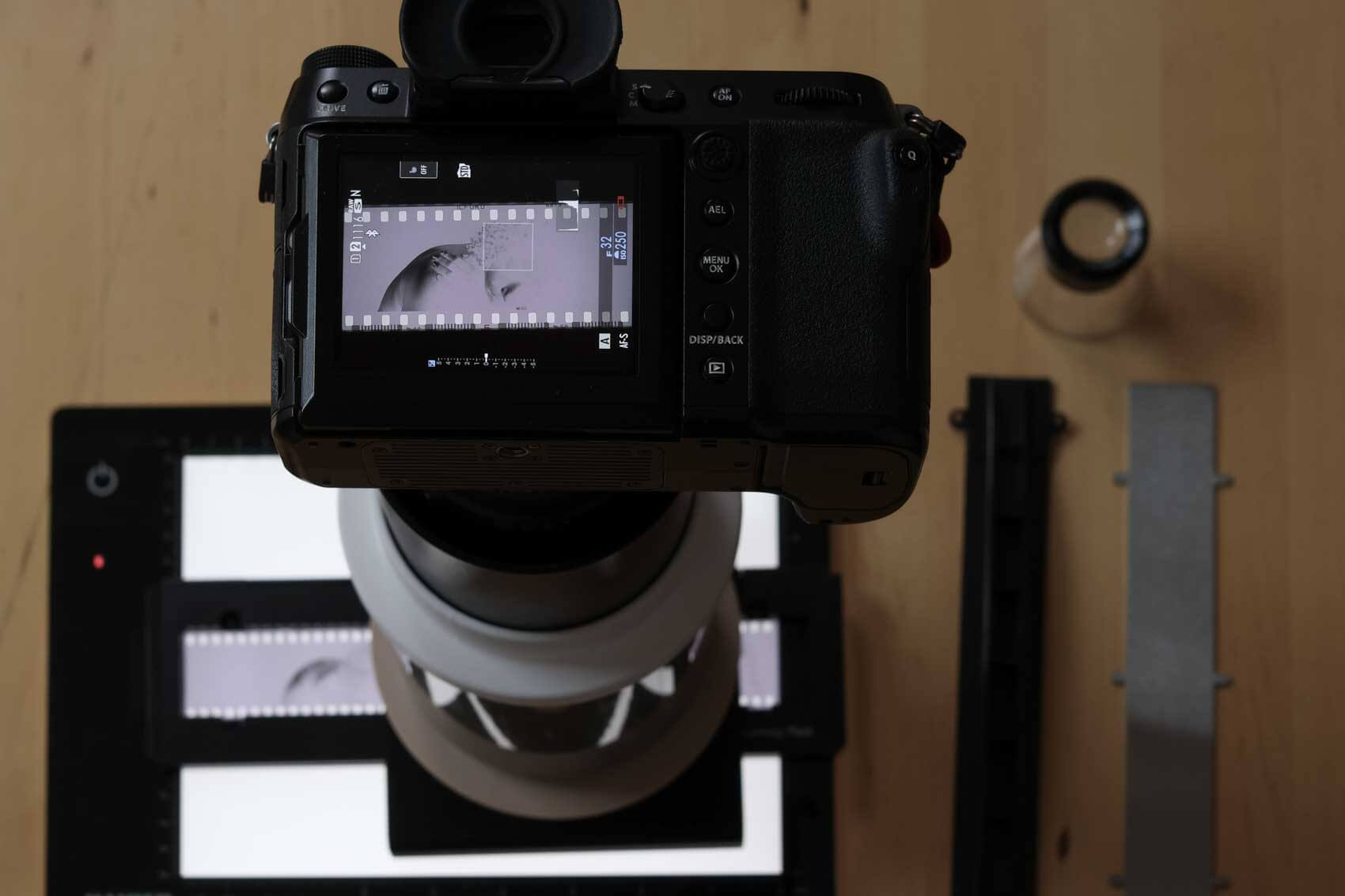
A good starting point is RAW capture, low ISO, and a stable exposure. Set the camera to its base ISO, use an aperture around f11 for sufficient depth of field, and match your white balance to your light source. In my setup, I use 5000K with a Kaiser 2453 Slimlite Plano LED panel.
To prevent shake, use a remote trigger or a 2 second timer. Once the camera is dialled in, the same settings can be reused for future rolls, which makes the workflow far more efficient. For a consistent result, it helps to treat the setup as repeatable rather than improvised.
In short:
ISO 100 (or another base ISO depending on your camera)
F11 (for enough depth in case your film is curving)
1/2 sec shutter speed
White balance set to 5000K (or different depending on your light box)
Shoot RAW
2 second timer
If you want to get more detail out of panoramic film, try photographing the frame in overlapping sections and stitching the images together afterwards. That can raise the effective resolution quite a bit, especially on wider frames where one single capture may not fully exploit the sensor.
My scanning Setup (Personal Story)
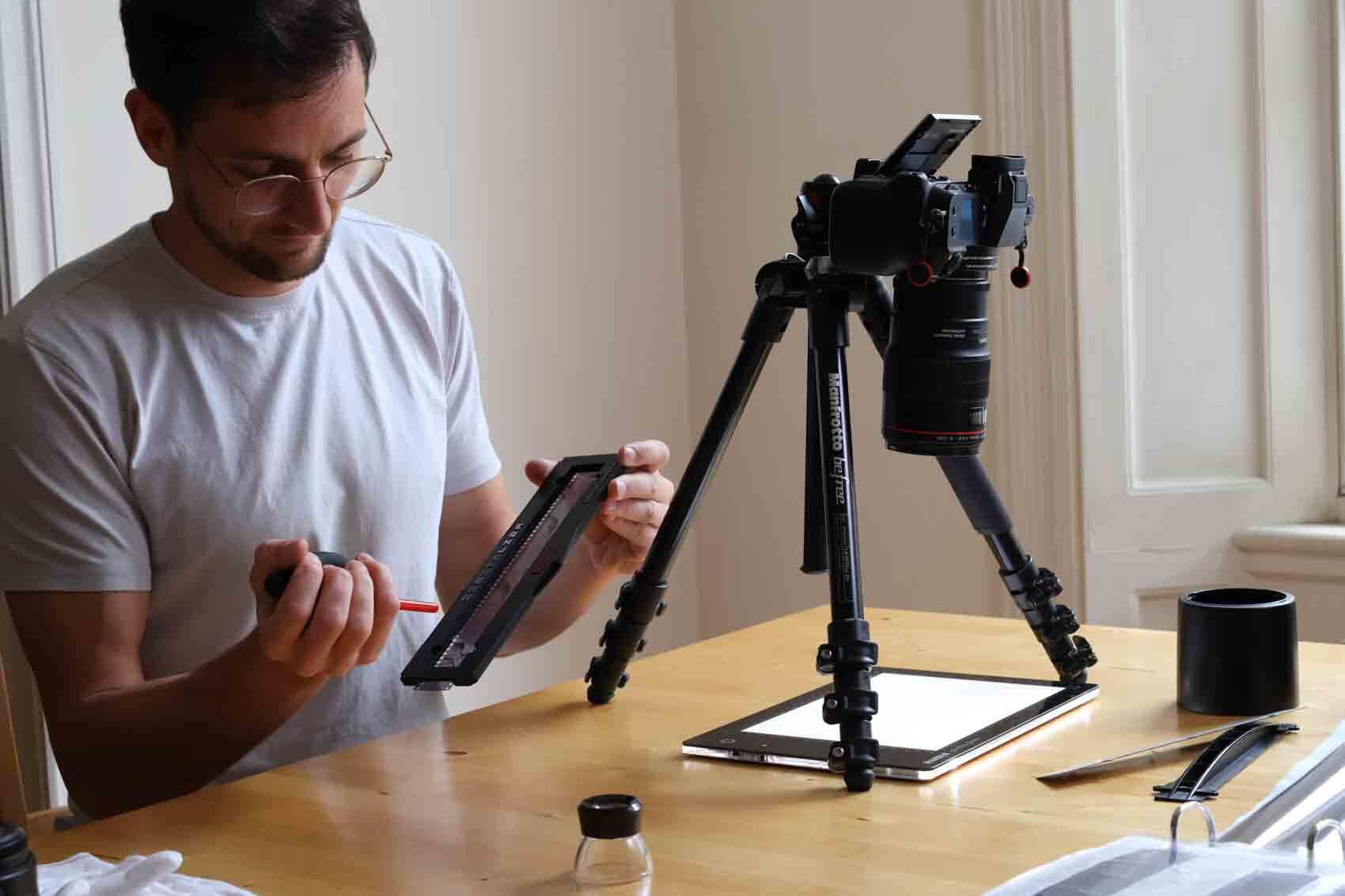
Over time, I built a DIY scanning stand so I would not have to reset the camera distance for every roll. The first version was based around a Canon setup with a 3D printed holder. Later, when I moved to Fuji, I extended the stand so it would fit the new sensor size properly.
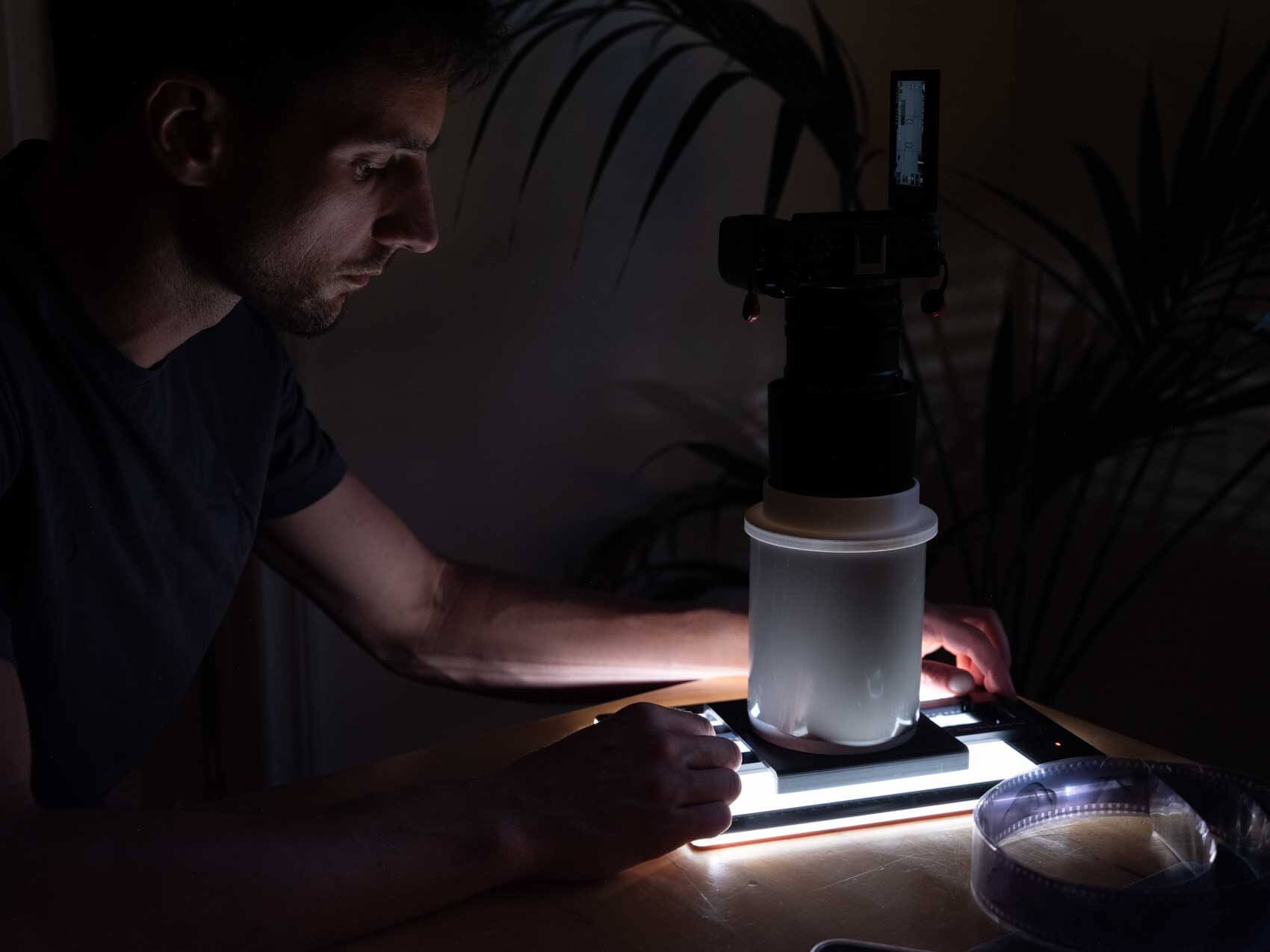
The advantage of that approach is consistency. I can slide the film holder directly under the camera, block out stray light, and work with longer exposures without worrying about interference. Commercial systems can work well, but I have always found many of them expensive for what they offer.
My own rig gives me flexibility, stability, and reliable results. It is not fancy, but it does exactly what I need it to do, and that matters more than appearance in a scanning setup.
Basic Post-Processing & File Management for scanned film
Quite crucial and often forgotten is naming conventions. Once you have taken all your photos, you might want to make sure you don’t forget which film it was taken with etc. For that reason, over time and many iterations I use the following naming convention:
Film type - ISO - Shoot name
Additionally, after scanning, I will make some minor colour adjustments. before converting the images. Remember: when working with negatives, adjustments are inverted highlight tweaks affect shadows, and vice versa.
I have tried a variety of conversion software, from Canva to Negative lab pro. Each with their pros and cons, but over time I decided to develop my own converting tool. The film fixer is a tool that allows you to convert different types of scans to positives and is available for free.
Troubleshooting & Common scanning Mistakes
Scanning 35mm film always comes with a few variables, and with those variables come a few predictable mistakes. The good news is that most of them are easy to prevent once you know what to look for.
Crooked scans
One of the most common issues is also one of the easiest to overlook. We often pay attention to focus, exposure, and dust, but forget to align the film properly with the camera. If the frame is not square from the start, you end up fixing it later in post production.
The simplest solution is to set the alignment carefully before you begin scanning. Take the time to get the negative and camera perfectly straight once, and you will save yourself a lot of correction work later.
Uneven lighting
A lightbox can sometimes produce light that is stronger in the centre and weaker toward the edges. That kind of falloff may seem minor on screen, but it becomes much more visible once the image is enlarged or printed.
To reduce this, place the film in the most evenly lit area of the lightbox. A centred frame usually gives you the most balanced result and helps prevent one side of the scan from looking brighter than the other.
Dust and hairs
Dust is one of those problems that hides in plain sight. You may not notice it while scanning, but once the file is viewed at full size, every speck and fibre becomes obvious. That means more retouching and more time spent cleaning up something that could have been avoided earlier.
Cleaning the film and the lightbox before you start makes a real difference. A blower, microfiber cloth, or anti static brush can help keep the setup clean and reduce the amount of editing needed afterwards.
Colour cast
White balance may seem like a small detail, but it has a big impact on the final scan. If the colour temperature is off, the negative can look noticeably different once it has been converted to a positive.
Shooting RAW gives you room to correct this later, but it is still better to set the white balance as accurately as possible before you scan the roll. Doing so keeps the files more consistent and makes the conversion process much smoother.
Under/over exposure
Exposure errors can be frustrating because they affect the scan before post processing even begins. If the image is too bright or too dark, trying to fix it afterwards can reduce overall quality and limit how much detail you can recover.
That is why it is worth checking your camera settings before scanning the full roll. If the same exposure problem keeps happening across multiple rolls, it may also be worth checking your light meter as well.
Curved scans
Panoramic film is especially prone to curvature, which can make scanning more difficult. Because the film has spent time rolled up and has already gone through development, it often wants to bend back toward one side.
A larger holder can make this more noticeable, so flattening the film for a few days before scanning is often a smart move. It will not remove every curve, but it usually helps the film sit more evenly in the holder and improves the final scan.
Archiving & Long-Term Preservation
When you have scanned all the film and are ready to forget about the images, it is important to store Once scanned, store your negatives carefully. Use acid-free sleeves and keep them in a cool, dark place. Light, heat, and humidity accelerate deterioration. For maximum safety, maintain both physical and digital backups on a hard drive and in the cloud. See the full how to archive film article for more details.
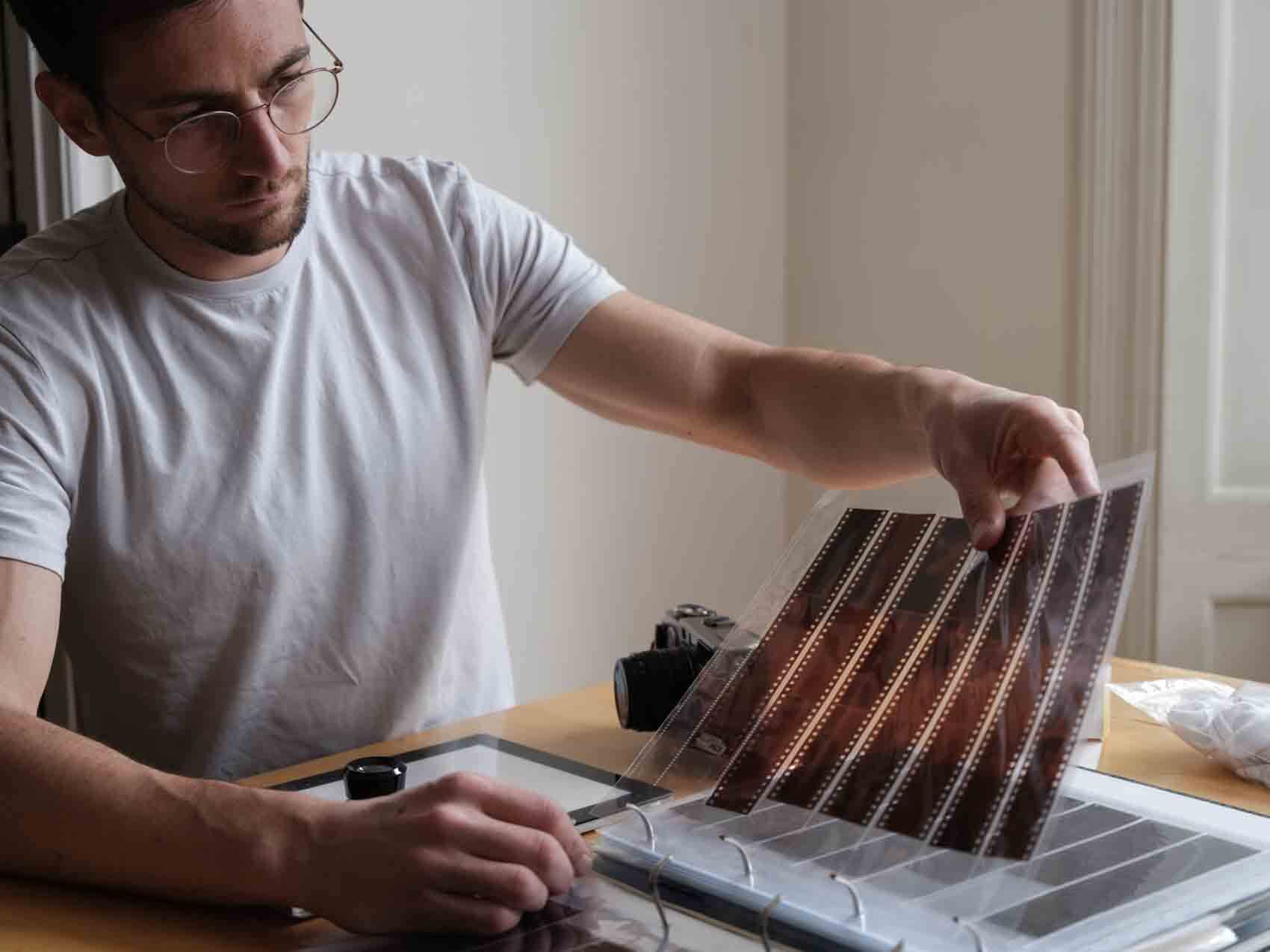
Keeping Your Panoramas Alive
I often wait until I have several rolls ready before scanning them. That delay can make the process feel more rewarding, because forgotten frames sometimes come back with fresh meaning. There is a small joy in rediscovering an image you had nearly moved on from.
Scanning at home is not only about saving money. It also gives you control over quality, timing, and how much work you want to invest in each frame. If the setup is clean and the workflow is consistent, you only need to handle the negative once before creating a usable digital file.
Whether the final goal is an archive, a print, or simply a digital copy, home scanning lets you work on your own terms. The reward is not just the file itself, but the satisfaction of shaping the process from start to finish.
If you scan your own panoramic film, I’d love to hear about your setup. What has worked best for you? Share your workflow or lessons learned in the comments below.


